
Introduction: The Overwhelming World of Application Management
In today’s fast-paced digital landscape, managing multiple applications simultaneously has become an essential skill. Whether you’re a student juggling various academic platforms or a professional handling numerous work-related tools, the pressure to stay organized and efficient is immense. The fear of missing out (FOMO) on crucial updates or deadlines can be paralyzing. However, with the right strategies and tools, you can navigate this complex environment with confidence and precision.
Understanding the Challenges
The primary challenge in managing multiple applications lies in the sheer volume of information and tasks that need to be processed. Notifications, updates, and tasks can quickly become overwhelming, leading to missed deadlines and decreased productivity. Moreover, the constant switching between applications can disrupt your workflow and increase the likelihood of errors. Recognizing these challenges is the first step toward implementing effective solutions.
Prioritizing Applications Based on Importance
Not all applications hold the same level of significance. It’s crucial to categorize them based on urgency and importance. Educational platforms, for instance, may have deadlines tied to assignments or exams, making them high-priority. Similarly, communication tools like email or messaging apps might require immediate attention. By establishing a clear hierarchy, you can allocate your time and resources more effectively, ensuring that critical tasks are addressed promptly.
Implementing a Centralized Dashboard
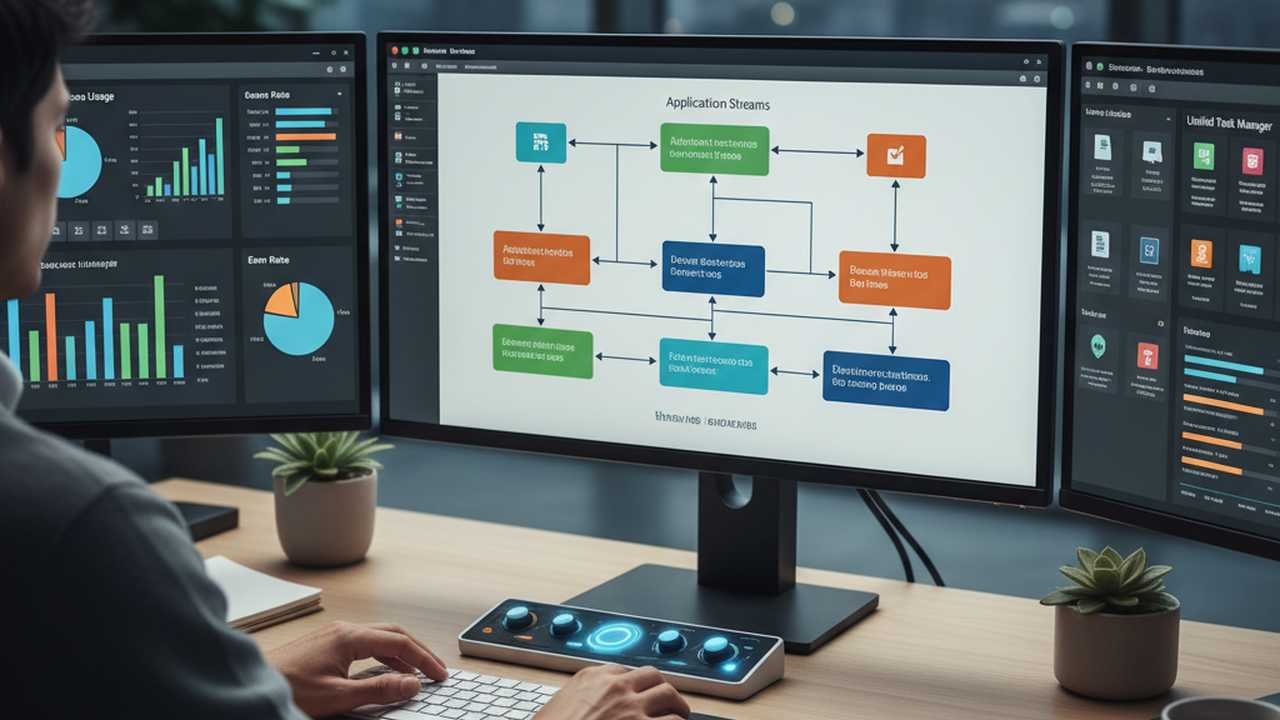
A centralized dashboard acts as a command center for all your applications. By integrating various platforms into a single interface, you can monitor updates, messages, and tasks without constantly switching between apps. Tools like Notion, Trello, or custom dashboards can be tailored to your specific needs, providing a cohesive view of your responsibilities and deadlines. This approach minimizes the risk of overlooking important tasks and streamlines your workflow.
Setting Up Automated Notifications and Alerts
Automation is a game-changer in application management. By setting up automated notifications and alerts, you can stay informed about critical updates without manual intervention. For instance, setting reminders for assignment deadlines or receiving alerts for new messages can help you stay on top of your responsibilities. Many applications offer built-in notification systems, and third-party tools can further enhance this functionality, ensuring you never miss an important update.
Establishing a Routine for Regular Checks
Consistency is key when managing multiple applications. Establishing a routine for regular checks ensures that you stay updated on all platforms. Designate specific times during the day to review each application, respond to messages, and complete tasks. This routine not only helps in staying organized but also reduces the mental load of constantly thinking about pending tasks. Over time, this habit becomes ingrained, leading to improved efficiency and reduced stress.
Utilizing Keyboard Shortcuts and Hotkeys
Keyboard shortcuts and hotkeys are powerful tools that can significantly speed up your interactions with applications. By learning and utilizing these shortcuts, you can perform tasks more quickly and with fewer errors. For example, using shortcuts to switch between tabs, open specific functions, or execute commands can streamline your workflow and reduce the time spent navigating through menus. Investing time in mastering these shortcuts pays off in increased productivity.
Regularly Reviewing and Updating Application Settings
Applications frequently update their features and settings. Regularly reviewing and updating these settings ensures that you’re leveraging the latest functionalities and security measures. For instance, enabling two-factor authentication can enhance the security of your accounts, while adjusting notification preferences can help in reducing distractions. Staying informed about updates and making necessary adjustments keeps your applications running smoothly and securely.
Seeking Support When Needed
Despite your best efforts, there may be times when you encounter issues or challenges that are beyond your expertise. In such cases, seeking support is crucial. Most applications offer customer support through various channels, including live chat, email, or community forums. Don’t hesitate to reach out for assistance. Promptly addressing issues prevents minor problems from escalating and ensures uninterrupted access to essential tools.
Conclusion: Mastering Application Management
Managing multiple applications without errors is a skill that can be developed with practice and the right strategies. By understanding the challenges, prioritizing tasks, utilizing automation, and seeking support when needed, you can navigate the digital landscape with confidence. Remember, the key lies in staying organized, being proactive, and continuously refining your approach to application management. Embrace these practices, and transform the overwhelming task of managing multiple applications into a seamless and efficient process.
If you found this helpful, you might also want to explore Armazenagem Logística Decodificada para for more insights on this topic.
As you refine your application management skills, it’s also beneficial to consider how to avoid procrastination through structured study schedules, which can further enhance your productivity and focus. Implementing disciplined study routines not only helps in managing your applications but also fosters a more efficient workflow in all areas of your professional life.
